
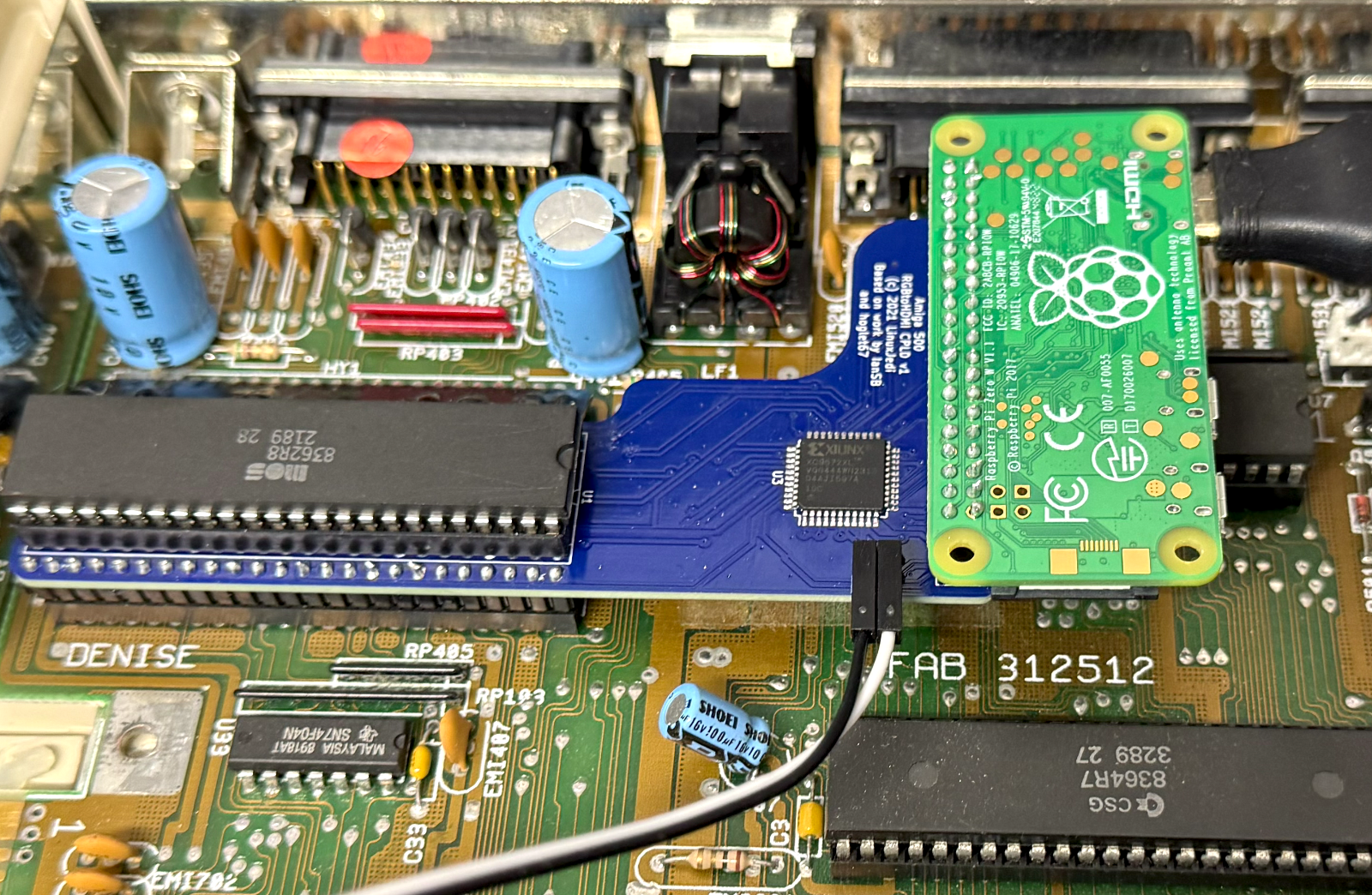
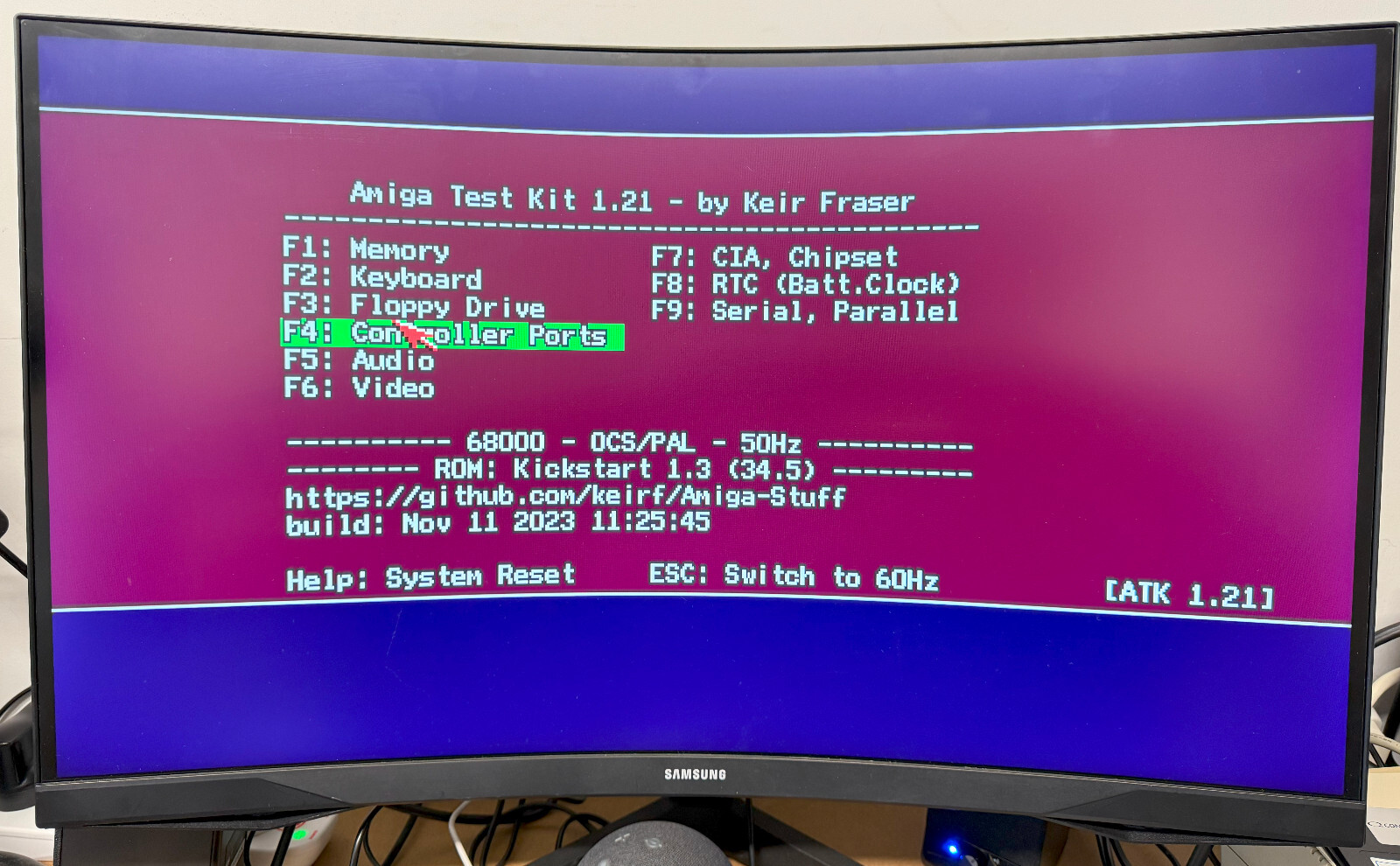
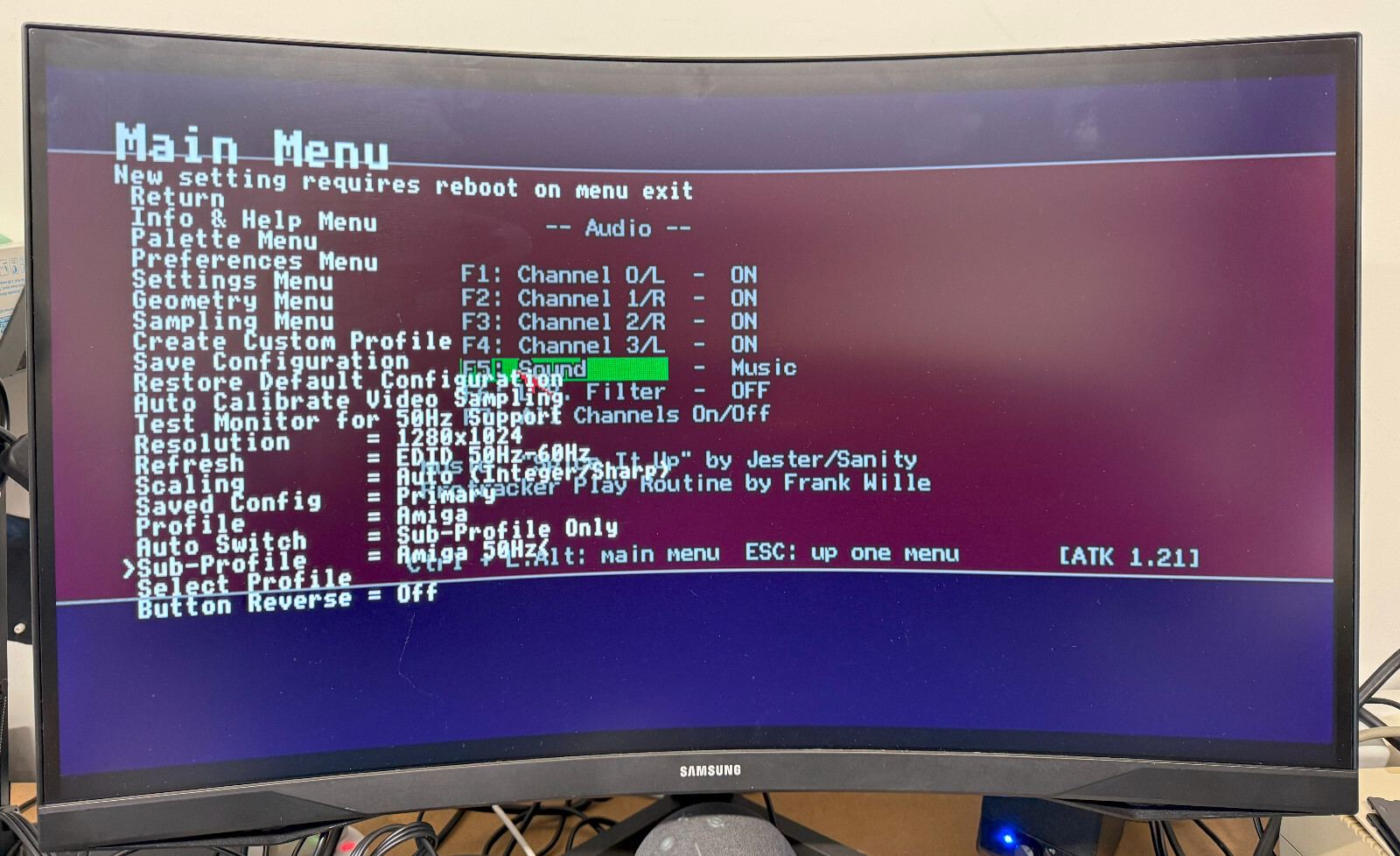
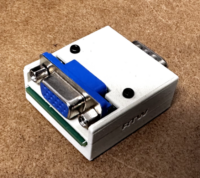
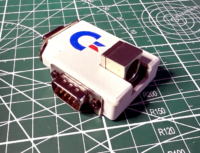
Add HDMI output to your Amiga 500 thanks to LinuxJedi, for in-depth go to the GitHub:LinuxJedi
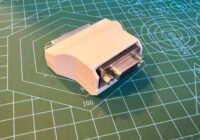
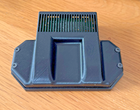
The device comes with a replacement expansion cover with single button to connect to jumper. There is also a notch to run the HDMI connection through without the need to cut holes.
The Raspberry Pi or SD card is not included as standard.
All you have to do is remove the Denise chip, seat the adapter and insert the Denise chip in the adapter and add your Pi with SD card.
Full instruction provided.
Note: Some early Rev. 3 motherboards may need modding to provide the necessary signal.
The pictures showing Raspberry Pi are for illustration purposes only.
Please note that the HDMI output DOES NOT carry audio. You will still need to use the audio outputs on the rear of the Amiga.
 No products in the cart.
Reviews
There are no reviews yet.